Business Card Design Template: The Ultimate Guide to Professional Printing and Customization
In the digital age, where contact information is often exchanged via a quick scan or a text message, the physical business card remains a powerful tool for making a lasting first impression. However, creating a design that stands out while meeting strict professional printing standards can be a daunting task for many creators and business owners. This is where a high-quality Business Card Design Template becomes an indispensable asset. By combining aesthetic flexibility with technical precision, this template offers a streamlined path to producing print-ready materials that elevate your brand identity.
Understanding the Purpose of a Professional Design Template
The primary purpose of this specific Business Card Design Template is to bridge the gap between creative vision and technical execution. Many individuals struggle with the nuances of print production, such as color modes, resolution settings, and bleed requirements. A well-structured template eliminates these barriers by providing a pre-configured workspace. It allows users to focus on the content—such as their name, title, and contact details—rather than worrying about whether their final file will look correct when printed.
Designed specifically for Adobe Photoshop CC, this resource ensures compatibility with industry-standard software. Whether you are a graphic designer looking to speed up your workflow or a small business owner trying to maintain a professional image without hiring an agency, this template serves as a versatile foundation. It transforms the complex process of print preparation into a simple, editable experience.
Key Features That Drive Usability
The value of this template lies in its robust feature set, which caters to both novice and experienced users. Below are the core characteristics that make it a superior choice for professional projects:
- CMYK Color Mode: Unlike screen designs that use RGB, this template utilizes CMYK (Cyan, Magenta, Yellow, Key/Black) color mode. This is crucial for print accuracy, ensuring that the colors you see on your monitor translate faithfully to the physical card, preventing unexpected shifts in hue or saturation.
- High-Resolution Output: Set at 300 DPI (Dots Per Inch), the design guarantees crisp text and sharp graphics. Low-resolution images often appear pixelated when printed, but this specification ensures a premium finish every time.
- Standardized Dimensions: The template adheres to the universal standard of 3.5×2 inches. This size fits perfectly in wallets, pockets, and card holders, making it practical for everyday carry.
- Integrated Bleed: With a 0.25-inch bleed included, the design accounts for the extra paper required during the cutting process. This prevents unsightly white edges from appearing if the cutter shifts slightly, ensuring your background colors extend all the way to the edge.
- Print-Ready Format: The files are structured to be "print ready," meaning they require minimal adjustments before being sent to a commercial printer.
Technical Specifications and File Structure
To ensure ease of use, the package includes a comprehensive collection of files designed to streamline your workflow. The download contains 34 Business Cards AI files, offering a wide variety of layouts and styles to choose from. These files are compatible with Adobe Illustrator, allowing for vector-based editing if needed, alongside the primary Adobe Photoshop CC files.
Organizing your project is made easier with the inclusion of two essential documents: Information File 01 and Read Me File. The Read Me file typically provides step-by-step instructions on how to open the files, replace placeholder text, and export the final PDF for printing. The Information File often contains tips on typography, color theory, and best practices for layout. Additionally, the template specifies the fonts used: Nexa Bold for impactful headings and Roboto for clean, readable body text. These typefaces were selected for their modern aesthetic and excellent legibility at small sizes.
Who Benefits Most from This Template?
The versatility of this Business Card Design Template makes it suitable for a diverse range of users. For general consumers, it offers a cost-effective way to create personal branding cards for networking events or social gatherings. Professionals such as real estate agents, consultants, and therapists can use the template to establish credibility and provide clients with a tangible point of contact.
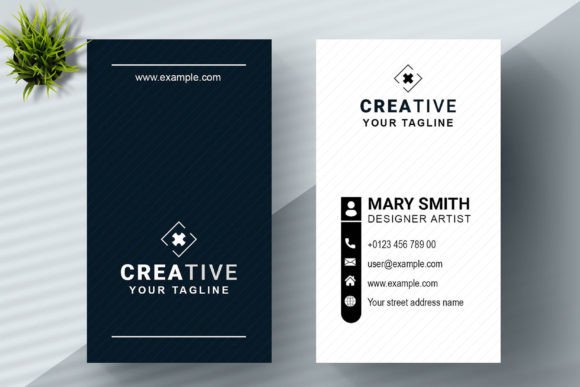
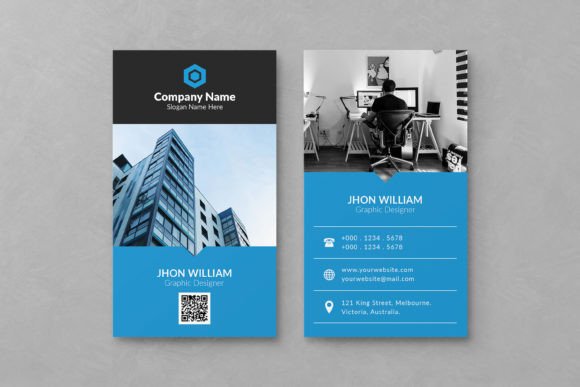
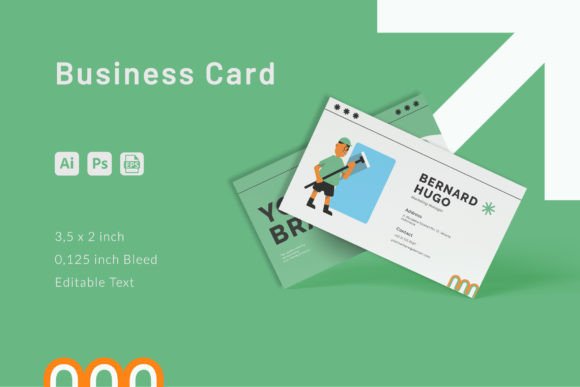
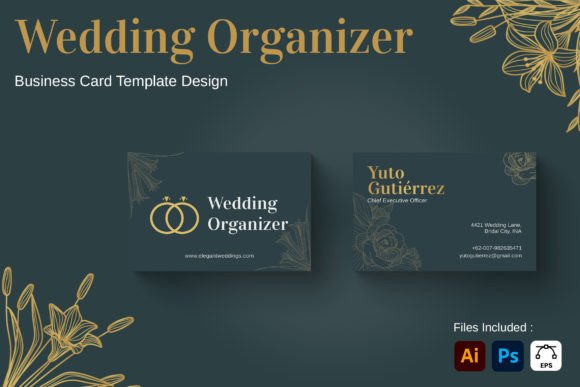
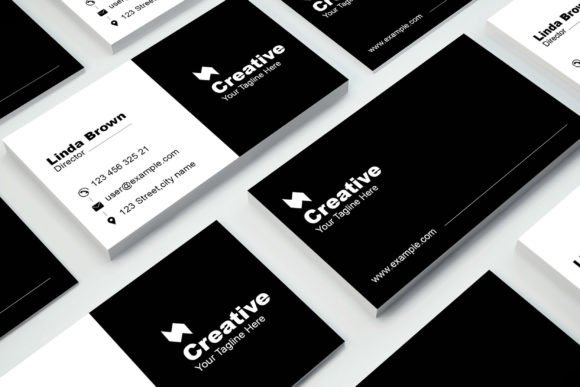
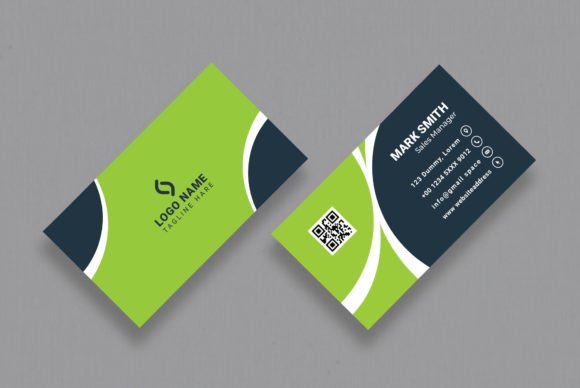
Creators and freelancers benefit significantly from the variety of 34 included designs. A photographer might choose a minimalist layout to showcase their work, while a musician might opt for a more vibrant design. Furthermore, business owners can utilize these templates to create uniform stationery for their entire team, ensuring a cohesive brand identity across the organization.
Practical Applications and Real-World Scenarios
Imagine you are launching a new coffee shop. You need business cards to hand out to suppliers and potential partners. Using a generic word processor might result in a design that looks amateurish. By utilizing this Business Card Design Template, you can input your shop's name, logo, and QR code into a professionally laid-out design. The CMYK mode ensures your logo's reds and browns pop on the printed card, while the 300 DPI resolution keeps your coffee bean illustrations sharp.
Consider another scenario: a freelance graphic designer attending a conference. They have dozens of contacts to make in a short period. Speed is essential. With the pre-set layers and organized structure of this template, they can customize a card in minutes rather than hours. The inclusion of a help guide means they don't get stuck on technical issues, allowing them to focus on the networking itself.
Evaluating Suitability for Your Project
While this template is highly capable, it is important to evaluate whether it meets your specific needs. If your project requires extremely intricate vector illustrations that rely heavily on advanced Illustrator features, you may need to supplement the provided AI files. However, for the vast majority of text-heavy and image-overlay designs, the template is more than sufficient.
One consideration is the font usage. While Nexa Bold and Roboto are excellent choices, they are free or widely available. Ensure you have the necessary licenses if you plan to distribute the final design commercially. Always check the license terms associated with the template and the included fonts before publishing your work.
Maximizing the Value of Your Design
To get the most out of this resource, treat the template as a starting point rather than a finished product. The strength of the design lies in its customizability. Don't be afraid to experiment with the color palette to match your brand guidelines. Swap out the stock images for your own photography to add authenticity. The editable nature of the Photoshop files allows you to adjust spacing, alignment, and visual hierarchy to suit your unique message.
When preparing your final file for printing, always double-check the following:
- Bleed Area: Ensure no critical text or logos are placed within the 0.25-inch bleed zone, as they may be cut off.
- Color Profile: Verify that the document is still in CMYK mode before exporting.
- Resolution: Confirm that all inserted images are high-resolution (300 DPI) to avoid blurriness.
- Proofing: Print a test copy on a home printer to check colors and alignment before sending the job to a professional printer.
Conclusion
A well-designed business card is more than just a piece of paper; it is a representation of your professionalism and attention to detail. The Business Card Design Template described here offers a comprehensive solution for anyone seeking to produce high-quality, print-ready cards without the steep learning curve of traditional design software. With its precise specifications, including CMYK color mode, 300 DPI resolution, and proper bleed settings, it removes the guesswork from the printing process.
Whether you are a seasoned designer or a business owner taking your first steps into branding, this template provides the tools you need to succeed. By leveraging the included 34 AI files, the clear help guides, and the robust font pairings of Nexa Bold and Roboto, you can create a memorable impression that lasts long after the initial handshake. In a world full of digital noise, a tangible, beautifully designed card remains one of the most effective ways to connect with others.